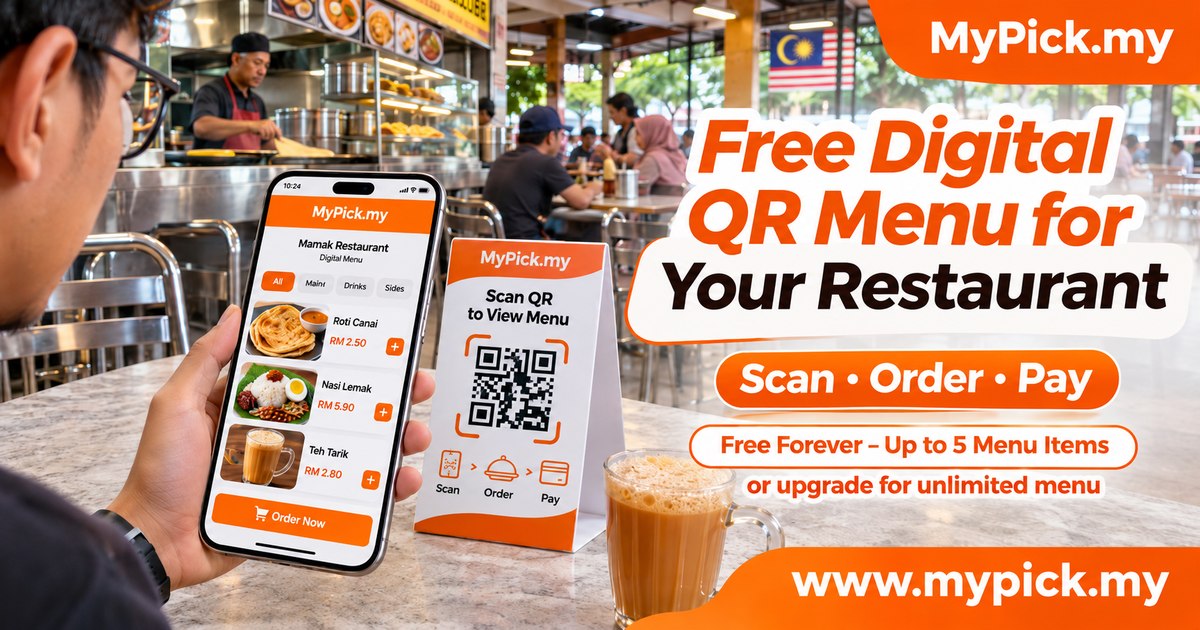
Are you a restaurant, cafe, mamak, kopitiam or food stall owner looking for an affordable way to digitalise your business operations?
MyPick.my is a Malaysian digital QR menu and online ordering platform designed for food and beverage businesses that want to simplify customer ordering, payment collection and restaurant management.
Instead of relying entirely on printed menus and handwritten orders, restaurant owners can create their own digital menu and allow customers to place orders directly using their smartphones.
Create Your Free Digital QR Menu Today
What Is MyPick.my?
MyPick.my is a web-based restaurant ordering system that combines digital menus, QR code ordering, online payments, cashier management and kitchen order management into one platform.
Each registered business receives its own online storefront with a dedicated website address.
For example:
- mypick.my/restoran-ali
- mypick.my/kopitiam-abc
- mypick.my/nasi-kandar
These are illustrative addresses. Owners can choose an available username that represents their business.
Customers do not need to download a mobile application to access the digital menu.
Who Should Use MyPick.my?
- Restaurants
- Mamak restaurants
- Cafes and coffee shops
- Kopitiams
- Warungs and food stalls
- Food trucks
- Food court operators
- Home-based food businesses
How Does the QR Ordering System Work?
- The customer scans the QR code placed on the table.
- The digital menu opens on the customer's smartphone.
- The customer selects food and beverages.
- The customer submits a dine-in or takeaway order.
- Payment is completed online or at the cashier.
- The paid order appears on the kitchen screen.
- Kitchen staff prepare the food and update its status.
This approach can reduce misunderstandings between customers, cashiers and kitchen staff, particularly during busy operating hours.
Key Features of MyPick.my
1. Digital QR Menu
Display your menu online with food photographs, prices, descriptions and organised categories.
A digital menu is particularly useful when prices change or certain dishes become unavailable. Restaurant owners can update their information without reprinting the entire menu.
2. Table-Specific QR Codes
Create printable QR codes for individual tables so that incoming dine-in orders can be associated with the correct table number.
3. Dine-In and Takeaway Orders
Customers can submit orders directly through their mobile browsers for dine-in or takeaway.
4. Online Payment Integration
Businesses can connect their own merchant payment account to accept FPX online banking and DuitNow QR when the relevant payment channels are activated.
Online payment integration is optional. Customers can also pay at the restaurant counter.
Register a Payment Gateway Account
5. Cashier Dashboard
Cashiers can monitor incoming orders, confirm counter payments and access customer receipts.
6. Kitchen Display System
Kitchen staff can view paid orders and update food preparation status from a separate device.
7. Real-Time Order Synchronisation
Customer invoices, cashier records and kitchen orders are synchronised as payment and order information changes.
8. Menu Availability Management
Temporarily hide unavailable menu items without permanently deleting them from your menu.
9. No Special POS Hardware Required
Use an existing computer, tablet or smartphone to access the system through a web browser.
MyPick.my Pricing and Subscription Plans
MyPick.my offers a free Starter Plan and an affordable annual upgrade for businesses requiring additional menu items.
| Feature | Starter Plan | Pro Plan |
|---|---|---|
| Subscription Price | Free Forever | RM50 per year |
| Menu Items | Up to 5 items | Unlimited |
| Digital Storefront | Included | Included |
| Table QR Codes | Included | Included |
| Online Ordering | Included | Included |
MyPick does not charge a commission on transactions. However, separate transaction fees imposed by the payment gateway may apply when online payments are used.
Subscription prices and features are subject to change. Check the official website for the latest information.
How to Register and Set Up MyPick.my
Step 1: Create Your Free Account
Visit the official registration page:
Click Here to Create Your Free Account
Enter your business email address and request an activation link. Open your email and follow the verification instructions.
Step 2: Choose Your Business Website Address
Select an available username for your restaurant or food business and create your owner password.
Choose a short and memorable username so that customers can easily recognise your business link.
Step 3: Customise Your Business Profile
Open your dashboard settings and configure your business information:
- Restaurant or business name
- Business description or tagline
- Contact or WhatsApp number
- Cover image or promotional banner
Step 4: Create Menu Categories and Items
Organise your dishes into categories such as:
- Breakfast
- Rice and Noodles
- Western Food
- Set Meals
- Hot Drinks
- Cold Drinks
- Desserts
Add your menu items with selling prices, descriptions and food photographs.
Step 5: Enable Online Payments (Optional)
To accept online payments, register your own merchant account with toyyibPay.
Obtain your User Secret Key and Category Code, then enter them into the Payment Settings section of your MyPick dashboard.
DuitNow QR payments require the relevant payment channel to be activated by the payment provider.
Never share your User Secret Key publicly.
Step 6: Print Your Table QR Codes
Generate QR codes through your dashboard and place them on your restaurant tables or counter.
Before printing multiple copies, scan a test QR code to ensure it opens the correct digital menu and identifies the appropriate table.
Step 7: Set Up Your Cashier and Kitchen Screens
Open Dashboard View at the cashier counter and Kitchen View on a separate device.
Cashiers should confirm counter payments before orders are sent to the kitchen. Successful online payments are verified automatically by the system.
Restaurant owners can refer to the official setup guide for more detailed instructions:
View the Complete MyPick Setup Guide
Traditional Ordering vs Digital QR Ordering
| Traditional Method | Digital QR Ordering |
|---|---|
| Printed paper menus | Digital menus accessible by smartphone |
| Waiter manually records orders | Customers can submit their own orders |
| Manual communication with kitchen | Digital kitchen order display |
| Reprint menus when prices change | Update prices digitally |
| Customers ask about unavailable dishes | Hide unavailable menu items |
| Manual payment checking | Integrated online payment verification |
Why Should Small Restaurants Consider Digital Ordering?
Small food businesses may not have the budget to invest in expensive restaurant management software or specialised POS equipment.
A browser-based ordering system offers an alternative that allows businesses to begin digitalising their operations using devices they may already own.
Potential benefits include:
- Reduced menu printing expenses
- Fewer handwritten order mistakes
- More organised kitchen operations
- Easier menu and price updates
- Greater convenience for customers
- More efficient payment verification
- Improved visibility of order status
Actual improvements depend on internet connectivity, staff training and how the restaurant implements its ordering workflow.
Frequently Asked Questions (FAQ)
Is MyPick.my Free?
Yes. The Starter Plan is free forever for up to five menu items, including hidden items. Businesses requiring unlimited menu items can upgrade to Pro.
Do Customers Need to Install an Application?
No. Customers access the digital menu through their existing mobile web browser.
Do I Need to Purchase a Domain Name?
No. Your registered business receives its own website address under the MyPick.my domain.
Can Customers Pay Cash?
Yes. Customers may pay at the counter, with the cashier confirming the payment in the system.
Can I Accept DuitNow QR Payments?
Yes, subject to activation of the relevant payment channel through your merchant payment gateway account.
Is the Table QR Code the Same as DuitNow QR?
No. The table QR code opens your restaurant's digital menu, whereas DuitNow QR is used to complete a payment.
Can I Use My Existing Smartphone or Tablet?
Yes. The system can be accessed through a compatible browser on a smartphone, tablet or computer.
Digitalise Your Restaurant with MyPick.my Today
Whether you operate a small food stall, a busy mamak restaurant or a modern cafe, MyPick.my provides an accessible starting point for digital menus, online ordering and restaurant management.
Start with the free plan, publish your digital menu and let your customers scan, order and pay.
CREATE YOUR FREE DIGITAL QR MENU NOW
Official Links
Referral disclosure: This article contains a payment gateway referral link that may generate a referral reward for InfoMalaysia.my. Subscription prices, features and payment gateway charges are subject to change.